

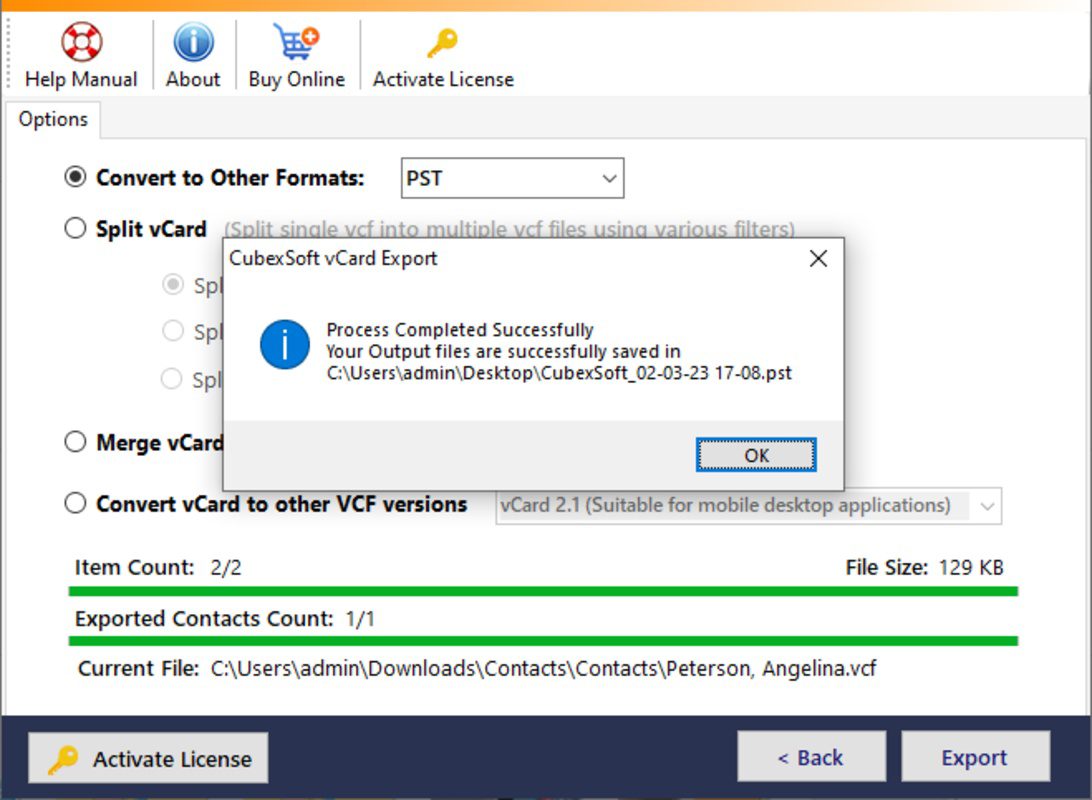
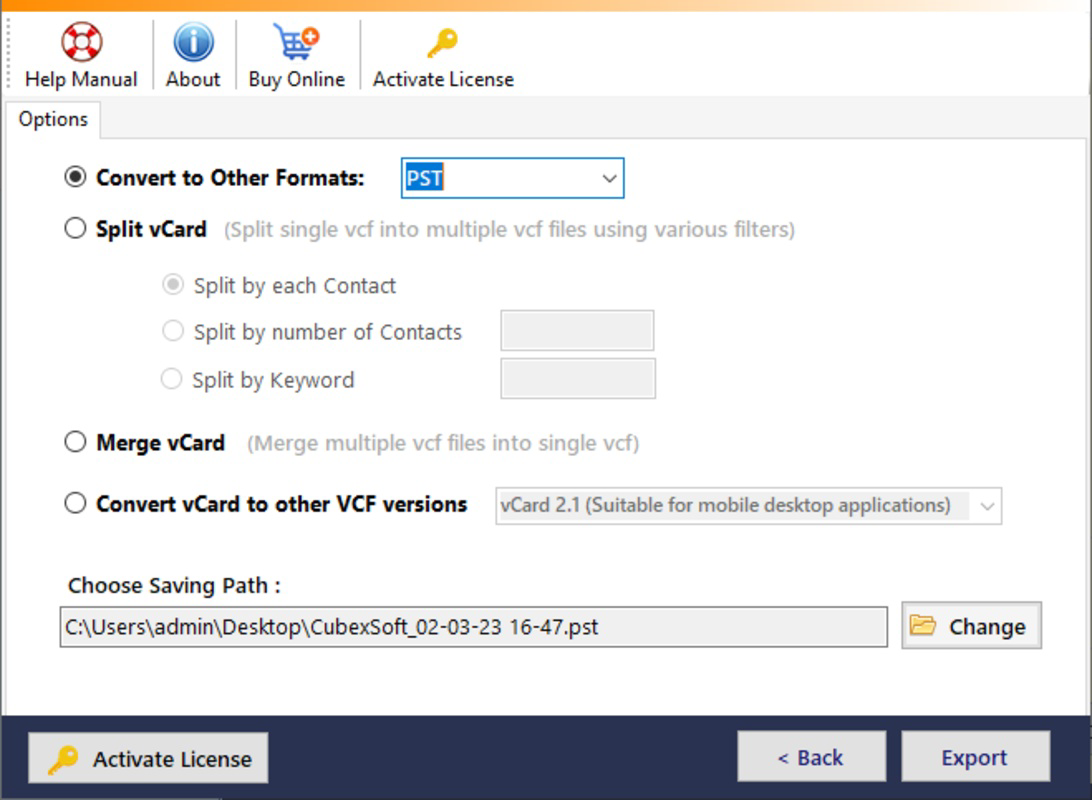
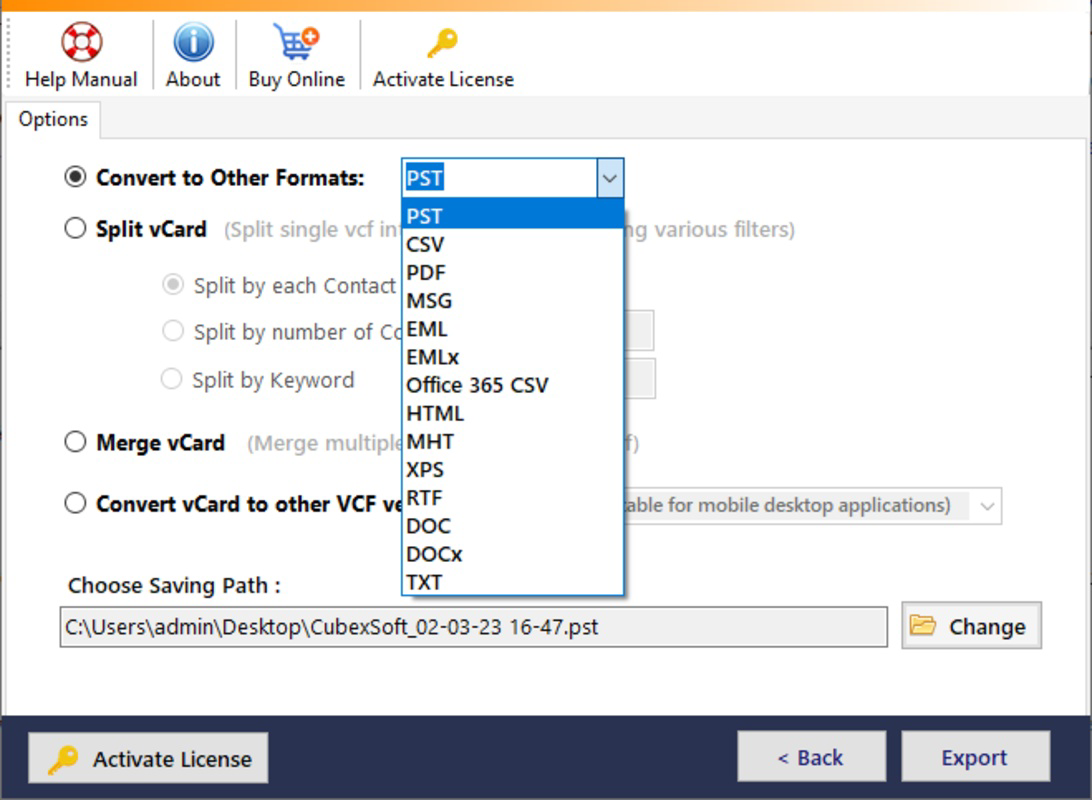
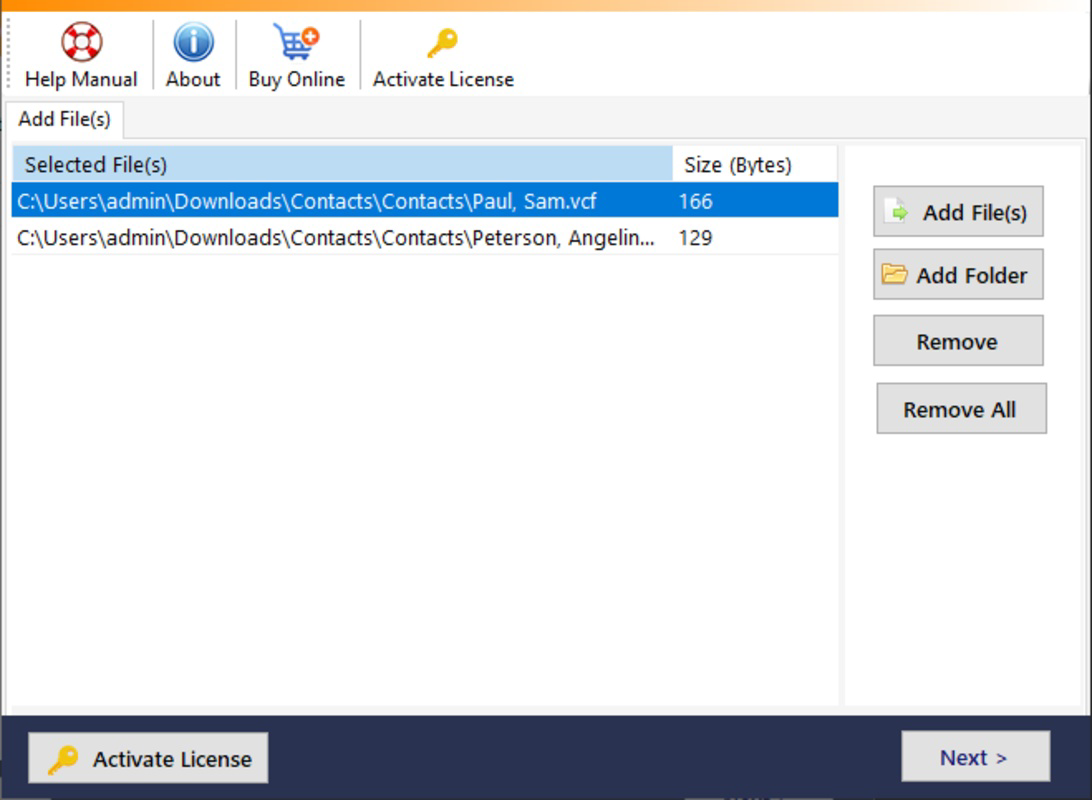
Description
Download MailDivert vCard Converter – vCard to PST, MBOX, CSV, EML, PDF Converter
Overview
MailDivert vCard Converter is a specialized utility designed to simplify the process of converting vCard (VCF) files into a variety of widely used formats, including PST, MBOX, CSV, EML, and PDF. This mobile application serves as a reliable tool for users who need to transfer contact information across different platforms, devices, or email clients. It addresses the common challenge of incompatible contact file formats, particularly when migrating data from smartphones, email servers, or backup archives to more accessible or compatible systems.
The app is particularly beneficial for individuals managing large volumes of contacts, such as professionals, small business owners, or IT administrators handling data migration tasks. Its ability to handle both single and batch conversions makes it efficient for users who need to process multiple contacts without manual intervention. The software also supports advanced file management, including splitting and merging VCF files, offering users greater control over their contact data organization.
Although the developer did not provide additional technical details, the application is positioned as a secure and accurate tool for contact data transfer. The inclusion of a free demo edition allows users to test core functionalities before purchase, which reflects a user-centric approach to product evaluation. In the broader mobile app ecosystem, tools like MailDivert vCard Converter fill a niche need for data interoperability, ensuring that contact information remains accessible regardless of platform or format constraints.
Key Features & Functionality
- Wide Format Support: The app supports conversion to multiple output formats, including PST, MBOX, EML, CSV, and PDF. This flexibility enables users to choose the most suitable format based on their email client or storage preference, whether it’s for import into Outlook, Thunderbird, or spreadsheet applications.
- Single & Batch Conversion: Users can convert individual vCard files or process multiple contacts at once. This feature is especially useful for those transferring data from old devices or consolidating contacts from various sources into a single, organized file.
- Data Integrity Assurance: The software is designed to preserve all contact details during conversion, ensuring no loss of information such as names, phone numbers, email addresses, or custom fields. This reliability is critical when handling sensitive or mission-critical contact data.
- VCF File Management: The app allows users to split a large VCF file into smaller, manageable files or merge several VCF files into one unified file. This functionality enhances data organization and simplifies backup and sharing processes.
- Free Demo Edition: A demo version is available that enables users to convert the first five contacts from five different vCard files at no cost. This allows prospective users to assess the tool’s performance, interface, and accuracy before deciding on a full purchase.
For example, a user migrating from an Android device to a Windows-based email system can use the app to convert their VCF contacts into a PST file compatible with Microsoft Outlook. Similarly, a business user managing client contacts across multiple platforms can merge several VCF files into one master file for centralized access and backup.
Interface, UX & Performance
The user interface of MailDivert vCard Converter appears to be designed with simplicity and functionality in mind, focusing on ease of navigation for both novice and experienced users. The layout likely follows a step-by-step workflow, guiding users through file selection, format choice, and conversion initiation with minimal friction. Visual cues and clear labeling help users understand each stage of the process.
Navigation is expected to be intuitive, with straightforward access to core features such as file upload, format selection, and conversion status tracking. The app likely supports drag-and-drop functionality for file import, reducing the need for complex file path navigation. Users can expect a responsive interface that adapts to different screen sizes, ensuring usability across various smartphone models.
Although the developer did not list formal performance metrics, the application is described as efficient in handling both single and batch conversions. Its ability to maintain data accuracy suggests optimized backend processing. Stability is likely prioritized, especially during large file operations, though specific details on memory usage, processing speed, or device compatibility were not disclosed. Overall, the UX design emphasizes usability and reliability, which are essential for a tool handling sensitive personal and professional data.
Platform Compatibility & Technical Requirements
MailDivert vCard Converter is available for Android and iOS platforms, making it accessible to a broad range of smartphone users. The application supports the latest versions of both operating systems, ensuring compatibility with modern devices. The file size is reported as 25.6 MB, which is relatively lightweight for a utility app with conversion capabilities.
Specific requirements such as minimum OS version, RAM, or processor specifications were not listed by the developer. Therefore, users are advised to ensure their device meets general system requirements for running mobile applications. The developer did not specify whether the app is available on tablets or other form factors, nor did they provide details on cloud integration or offline functionality.
Pros and Cons
Pros
- Supports multiple output formats including PST, MBOX, CSV, EML, and PDF
- Efficient single and batch conversion of vCard files
- Preserves data integrity during the conversion process
- Offers file splitting and merging capabilities for better contact management
- Includes a free demo version for testing functionality
Cons
- Specific technical requirements were not disclosed
- Compatibility with older devices or operating systems is uncertain
- Advanced features may be restricted in the demo version
- Developer did not provide detailed performance benchmarks
- No information on cloud backup or sync capabilities
FAQ
Is MailDivert vCard Converter safe to use?
The app is designed to handle contact data securely, with no reported data sharing or third-party access. Users are advised to download the application only from official sources to ensure authenticity and avoid potential security risks.
Can I convert multiple vCard files at once?
Yes, the app supports batch conversion, allowing users to process multiple VCF files simultaneously, which significantly improves efficiency when handling large contact lists.
What formats can I convert vCard files to?
MailDivert vCard Converter supports conversion to PST, MBOX, CSV, EML, and PDF formats, making it suitable for use with various email clients and data management tools.
Is there a free version available?
Yes, a free demo edition is available that allows users to convert the first five contacts from five different vCard files at no cost.
Does the app require an internet connection?
The application functions primarily offline, allowing users to convert files without an active internet connection. However, certain features like updates or cloud integration may require connectivity.
Final Thoughts
MailDivert vCard Converter stands out as a practical and efficient solution for users needing to convert vCard files across different platforms. Its support for multiple formats, combined with batch processing and data integrity assurance, makes it a valuable tool for personal and professional use. The inclusion of a free demo version enhances transparency and user confidence, allowing individuals to test the software before investing.
While technical details such as OS compatibility and performance metrics are not fully disclosed, the app’s core functionality is well-defined and focused on real-world needs. It is especially beneficial for users managing contact migrations, data backups, or cross-platform synchronization. For anyone seeking a reliable, secure, and user-friendly tool to handle vCard conversions, this application delivers tangible value.
Download MailDivert vCard Converter now
Guides & Tutorials for MailDivert vCard Converter
How to install MailDivert vCard Converter
- Click the Preview / Download button above.
- Once redirected, accept the terms and click Install.
- Wait for the MailDivert vCard Converter download to finish on your device.
How to use MailDivert vCard Converter
This software is primarily used for its core features described above. Open the app after installation to explore its capabilities.
User Reviews for MailDivert vCard Converter 0
No reviews found


